Product launch hero image
A premium emerald perfume bottle on midnight silk, cyan reflections, ecommerce hero image.
Create AI product images, campaign graphics, and reference image edits in one controlled production studio.
Use the studio to test product photography, reference-guided edits, social crops, and campaign visuals before moving a prompt into a repeatable production workflow.
A premium emerald perfume bottle on midnight silk, cyan reflections, ecommerce hero image.
Preserve the product shape, rebuild the background as a dark studio with green rim light.
Square luxury product creative, high contrast, refined shadows, clean negative space for copy.
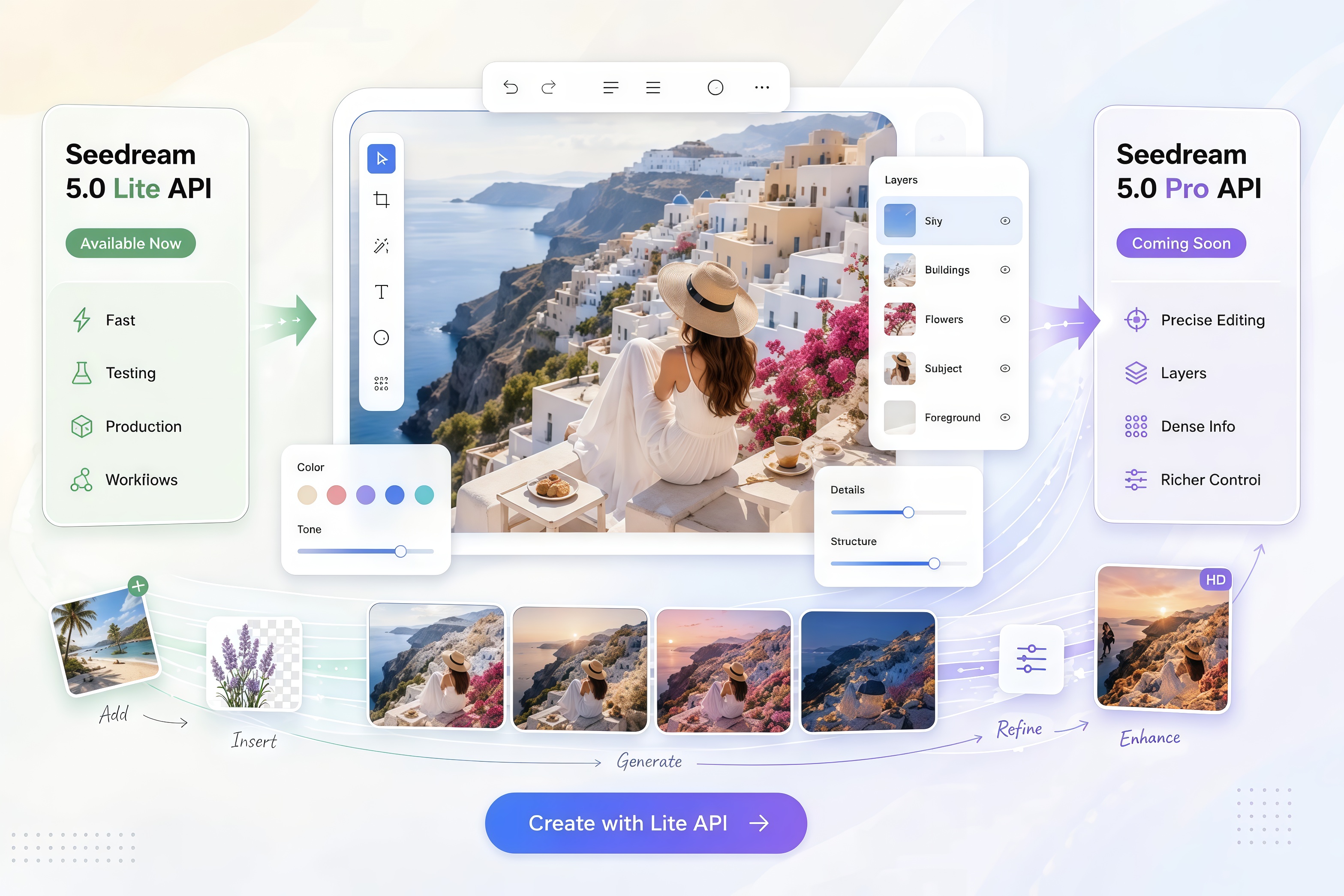
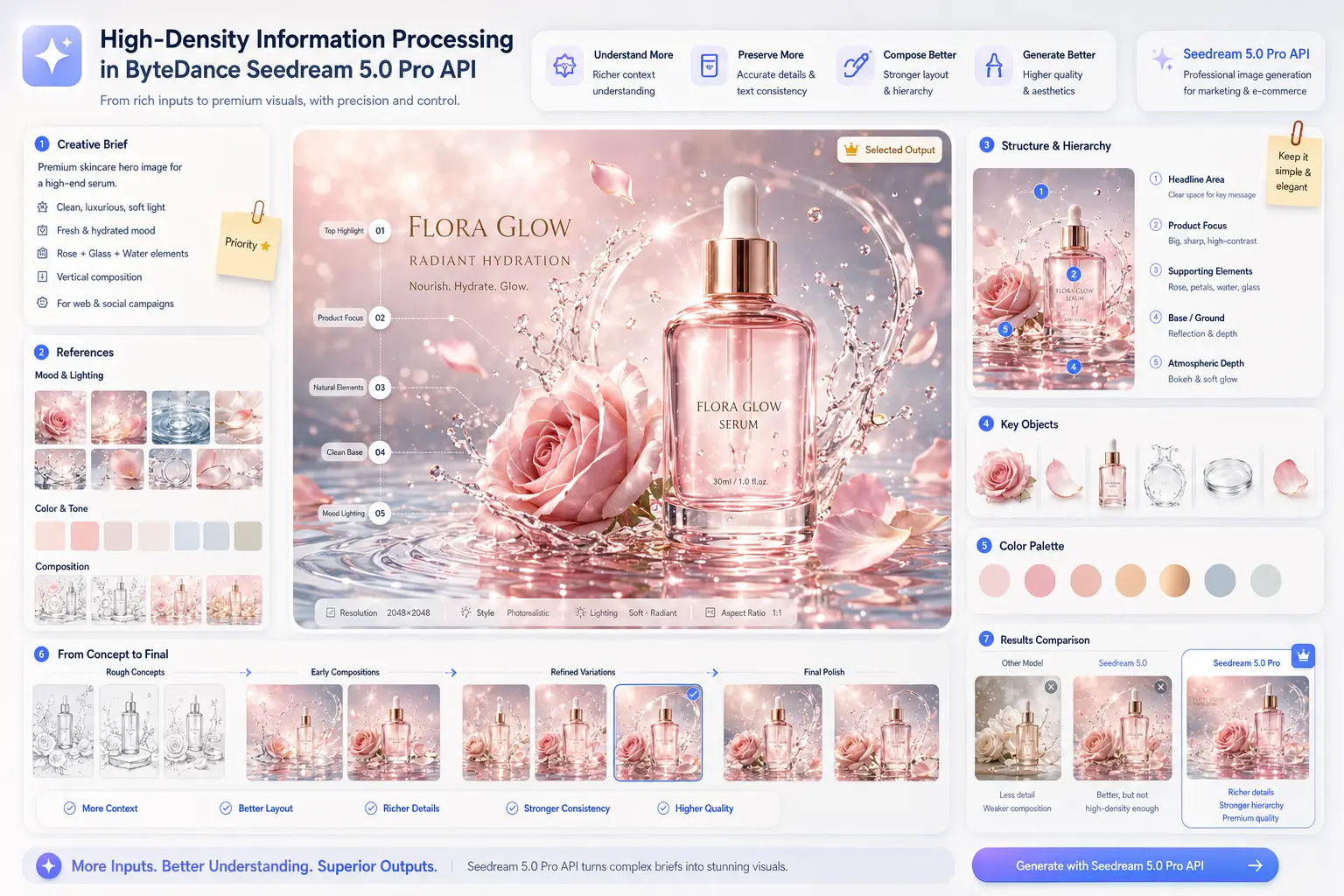
Seedream5 Pro is built for creators who need more than a single prompt-to-picture result. It helps teams manage local edits, layered composition, dense art direction, and text-aware visual layout planning.
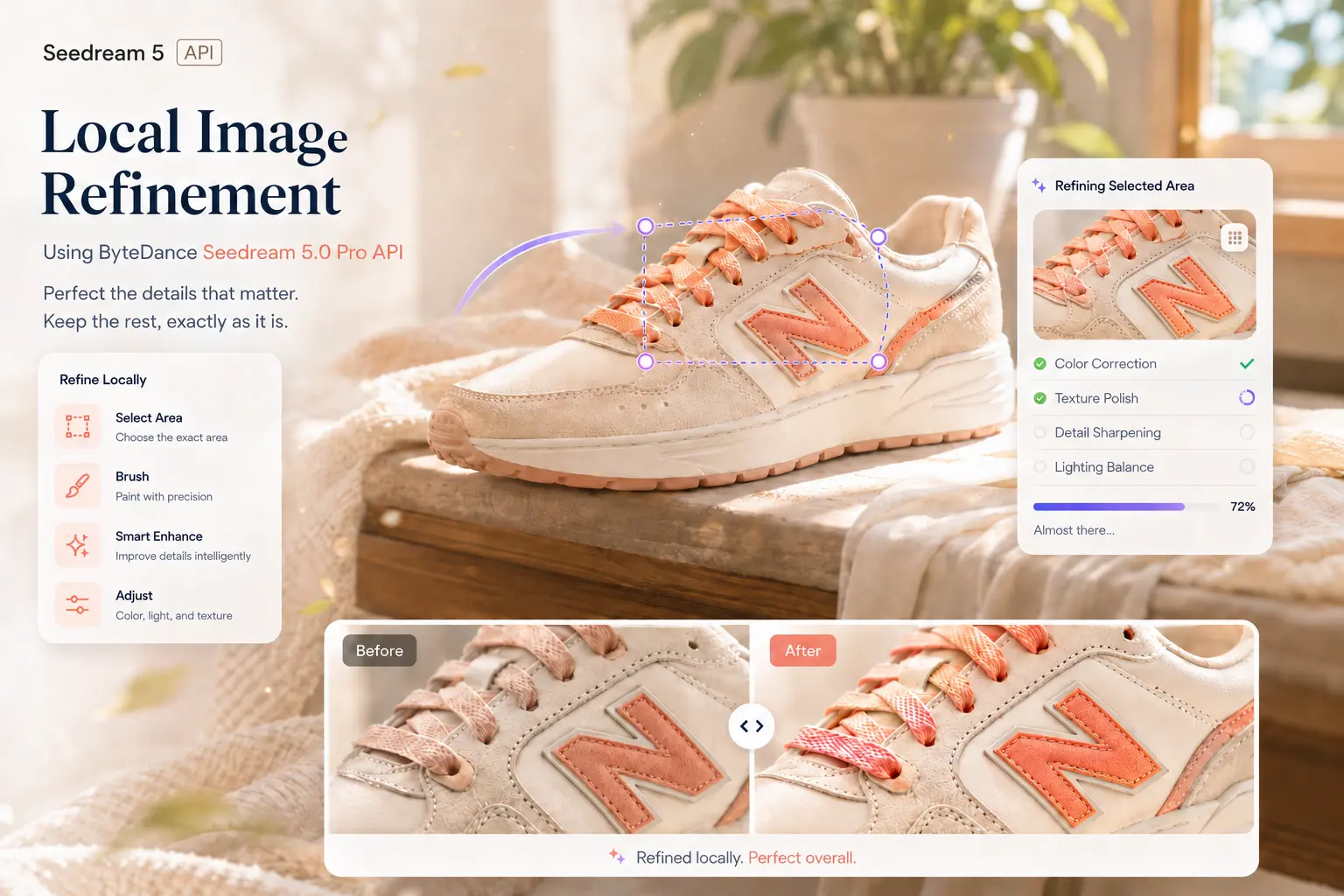
Use Seedream5 Pro when the image is close, but one object, color area, background section, or text region still needs a controlled change.
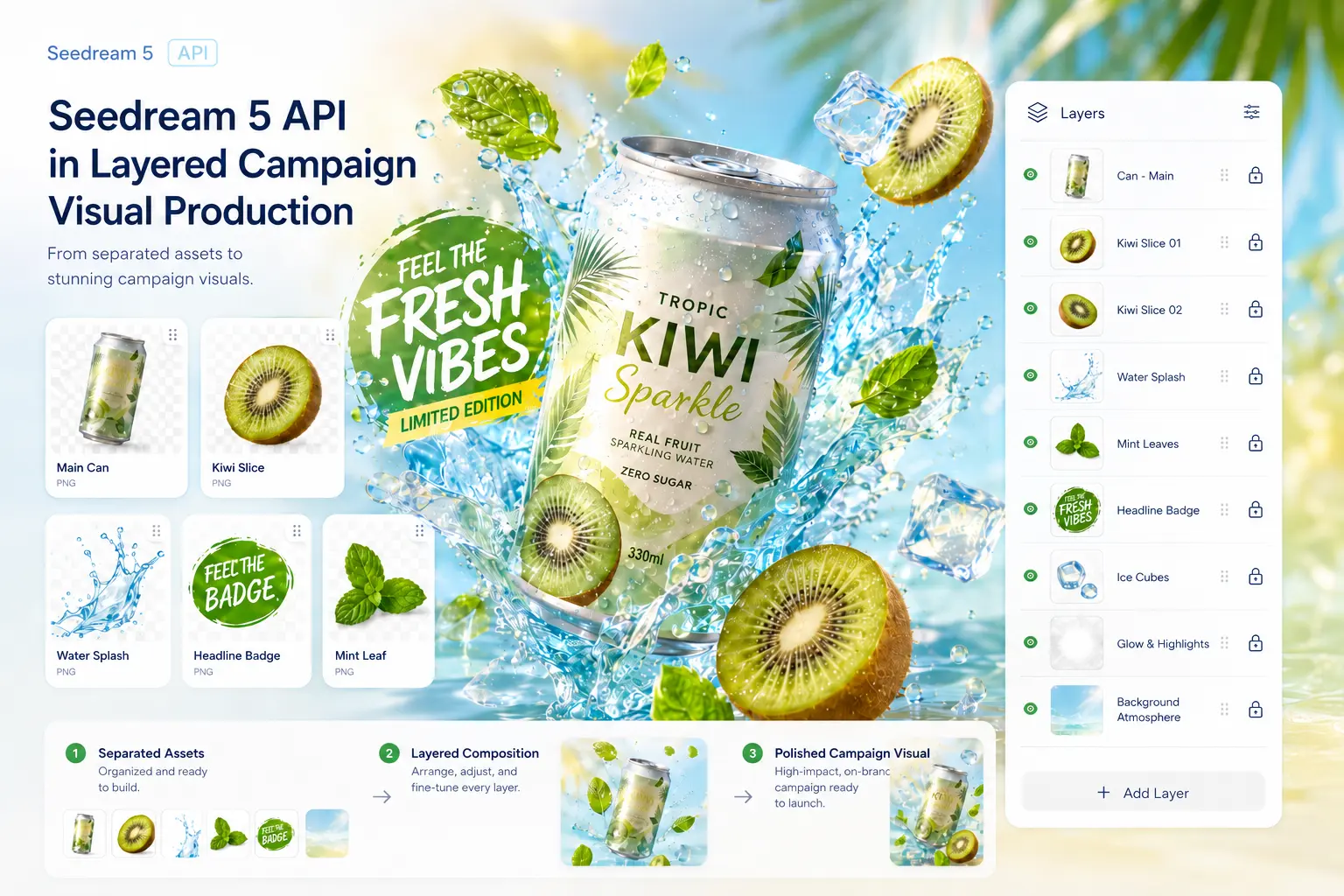
Structure prompts around subject, background, labels, decorative elements, and negative space so complex images stay easier to refine.
Describe product details, layout hierarchy, camera angle, lighting, and final use case in one prompt without reducing the image to a generic scene.
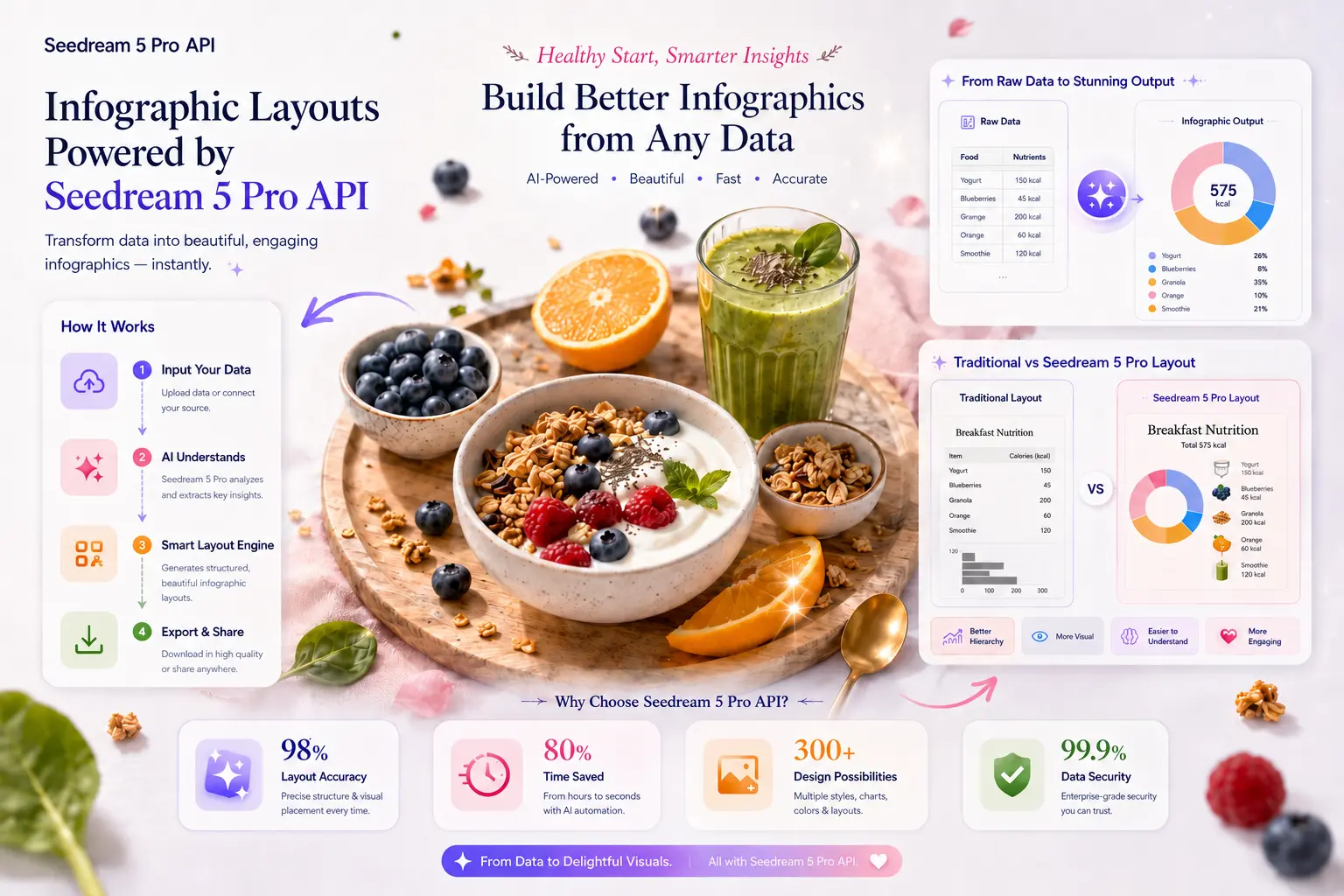
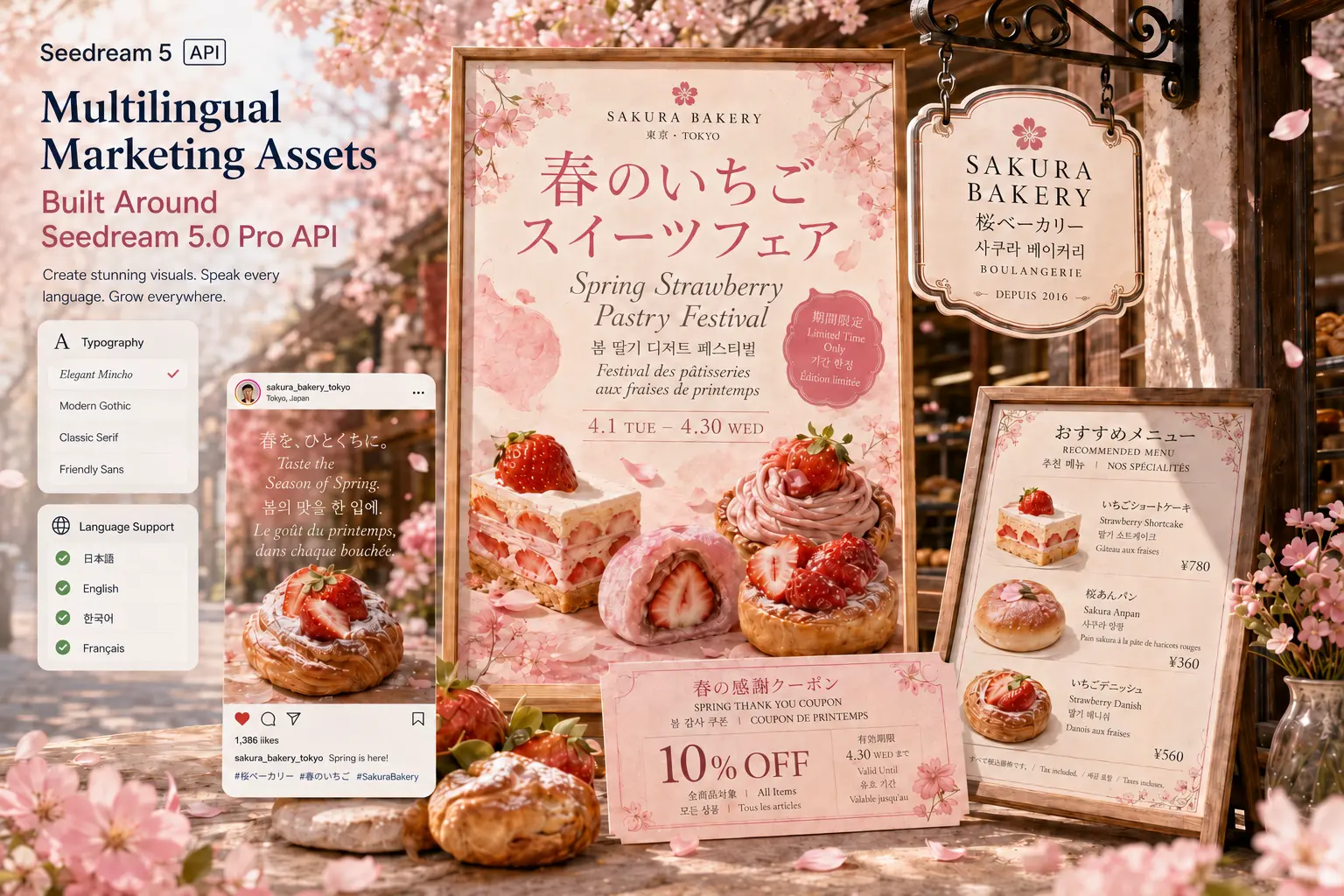
Prepare marketing images, labels, short headings, and multilingual visual copy with clearer placement and more useful composition guidance.
A strong Seedream5 Pro workflow treats every prompt like a compact creative brief. The clearer the role of each visual element, the easier it is to generate, compare, and refine the final image.
Read prompt guideDefine whether the output is a product hero, ad concept, social crop, landing page image, catalog visual, or localized marketing graphic.
Include subject, product material, composition, lighting, style, text placement, aspect ratio, and what should remain visually stable.
Upload a reference when shape, identity, color system, packaging, face structure, or existing layout continuity should guide the result.
Use history thumbnails, download links, and stored results to evaluate outputs before sending the best prompt direction into campaigns, product pages, or API testing.
All three models can help with AI image creation, but they serve different creative workflows. Use this comparison to choose the right model for prompt testing, image editing, and production assets.
| Comparison | Seedream5 Pro | GPT Image 2 | Nano Banana 2 |
|---|---|---|---|
| Best fit | Controlled product visuals, reference edits, structured layouts, and marketing images that need cleaner local refinement. | General creative image generation, broad style exploration, and high-quality prompt-driven visual drafts. | Fast image ideation, lightweight edits, and lower-friction visual experiments for frequent iteration. |
| Editing direction | Strong fit for selected-region changes, background replacement, object adjustment, and preserving useful parts of an existing image. | Good for broad instruction following and creative revisions when the whole image can change more freely. | Useful for quick variations and simple image changes where speed matters more than deep layout control. |
| Layout and text | Built for image compositions with labels, hierarchy, product callouts, multilingual copy, and information-dense visuals. | Strong for visually polished concepts, but layout-heavy or text-heavy images still need prompt discipline. | Works well for simple compositions and fast social visuals, with less emphasis on complex text layout. |
| Production workflow | Best when teams need prompt testing, reference control, stored history, and a practical path toward repeatable image workflows. | Best when teams need a broad creative model for many image styles and exploratory brand directions. | Best when teams need high-volume concept testing before moving winning prompts into a higher-control workflow. |
| Primary advantage | More useful for controlled commercial images where local edits, layers, readable text, and repeatable art direction matter. | More useful for flexible creative generation and strong general-purpose image quality. | More useful for fast iteration, lightweight experimentation, and everyday creative drafts. |
The best Seedream5 Pro projects start with a specific output channel. Define the final placement first, then write prompts that control subject, framing, text, and background together.
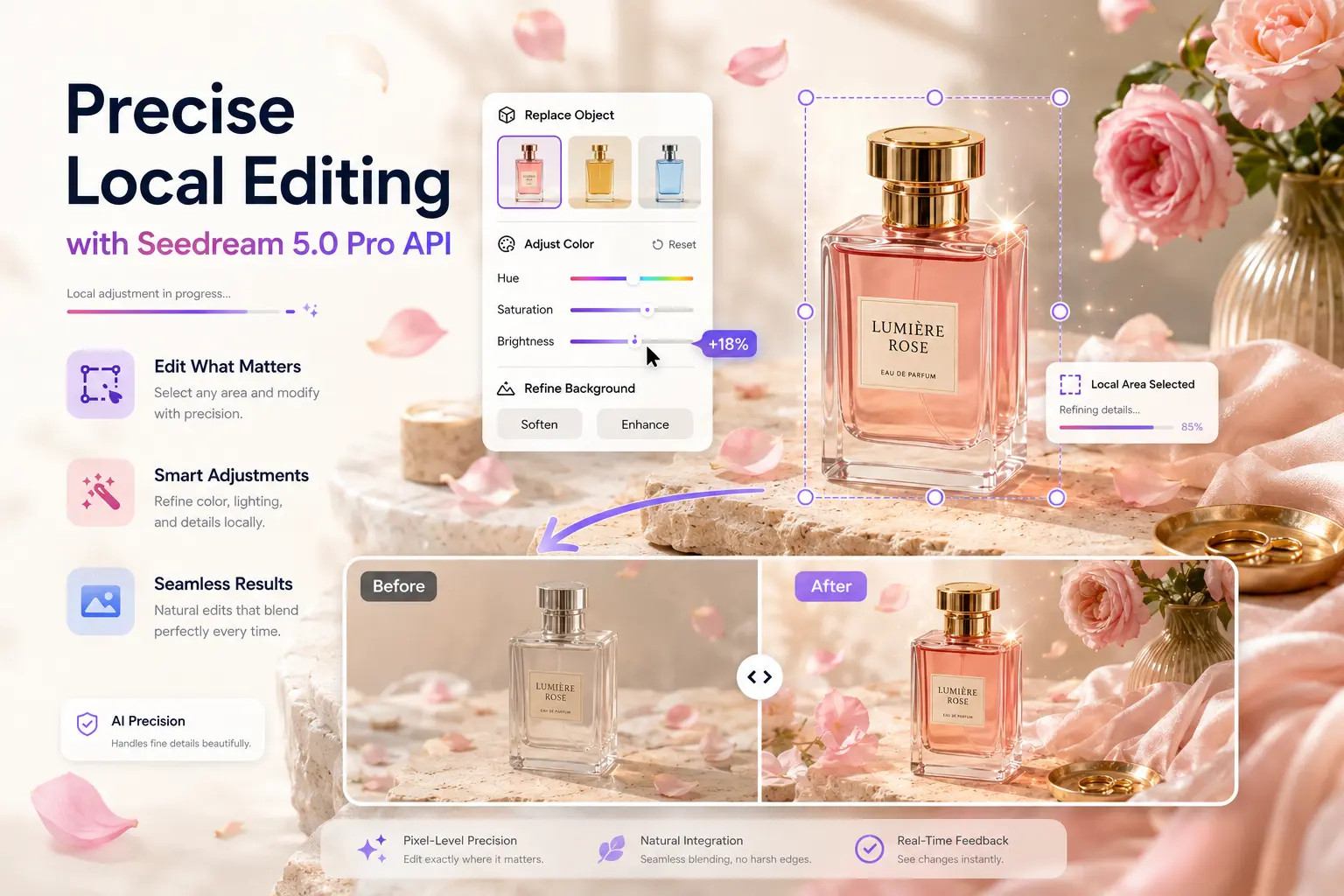
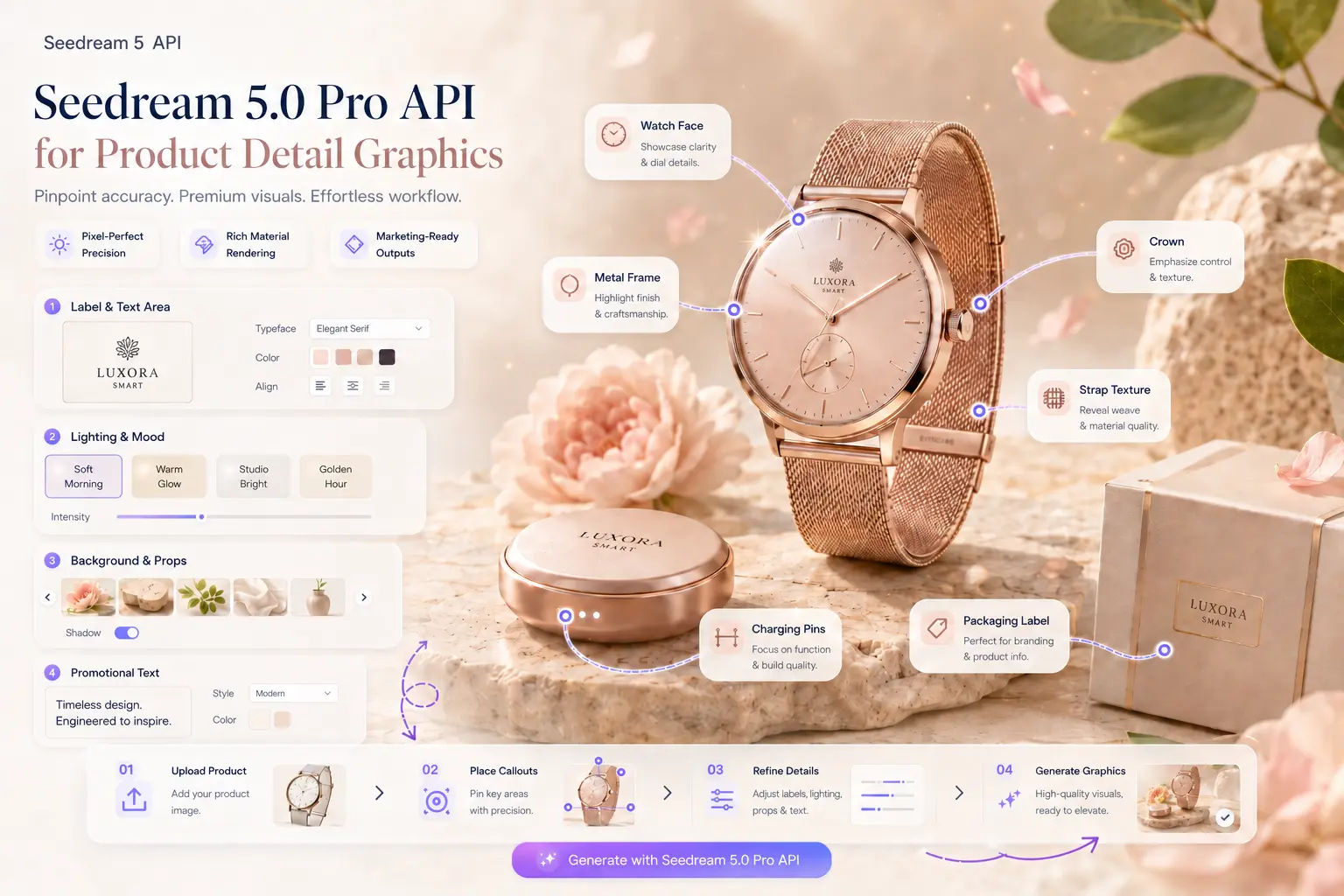
Create product images with clearer materials, controlled backgrounds, readable feature labels, and cleaner space for price or promotion copy.
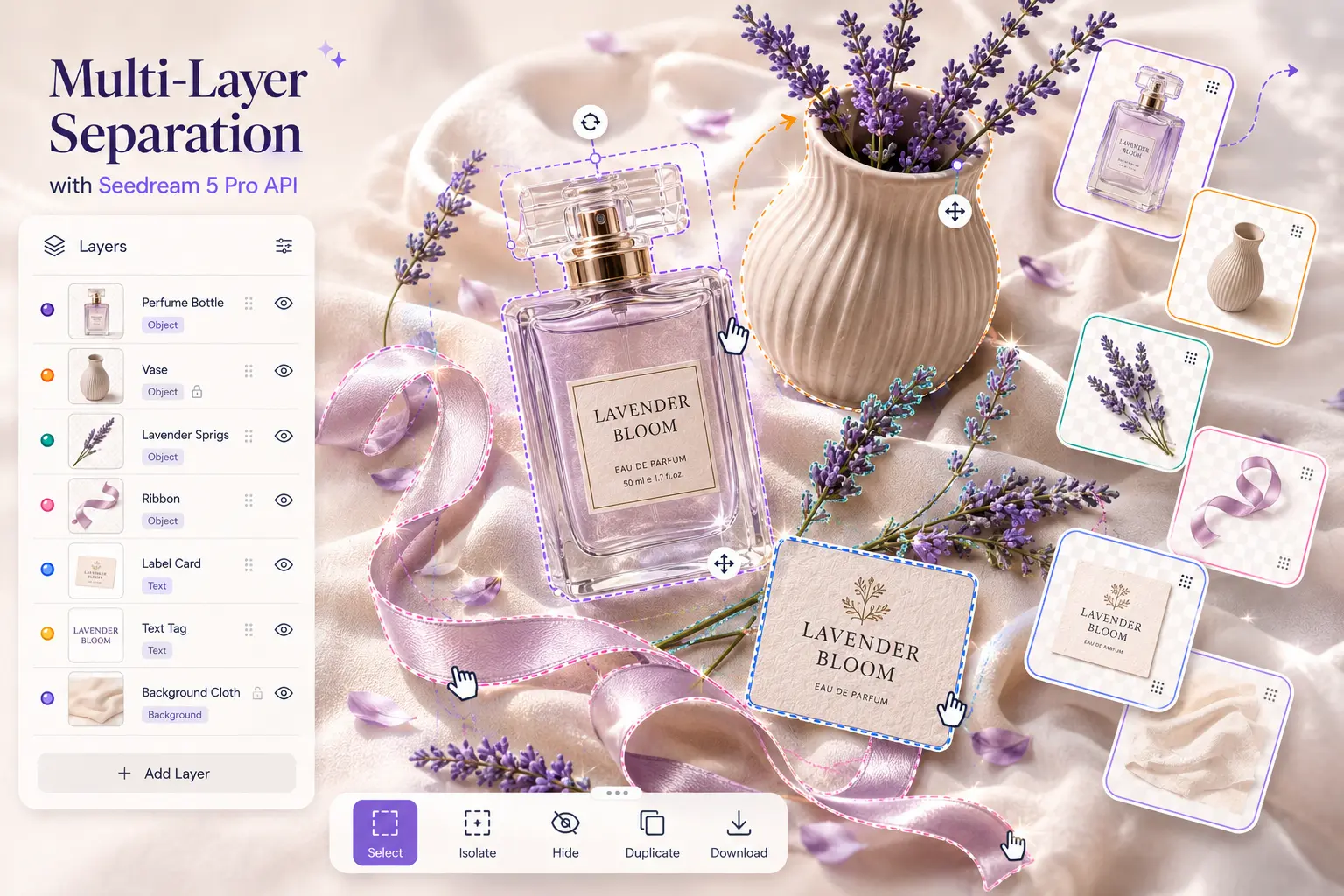
Plan diagrams, callout graphics, comparison visuals, and compact educational images without losing the hierarchy of each element.
Generate social banners, ad concepts, and landing page visuals where short text has to sit naturally inside the design.
Keep a product, composition, or brand direction consistent while changing lighting, background, props, color mood, or crop.
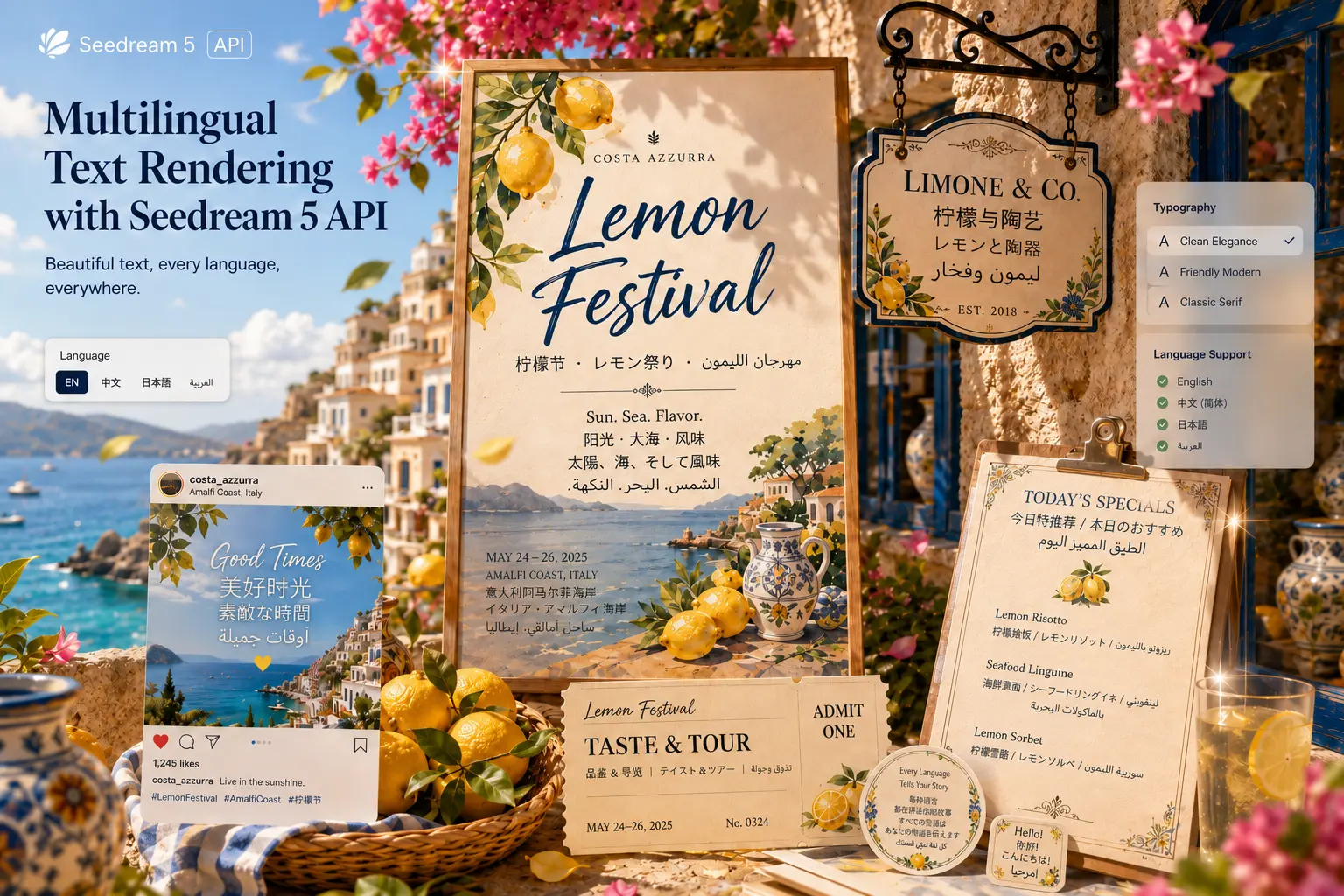
Explore several art directions for a product launch, brand refresh, seasonal promotion, or creator campaign before design production.
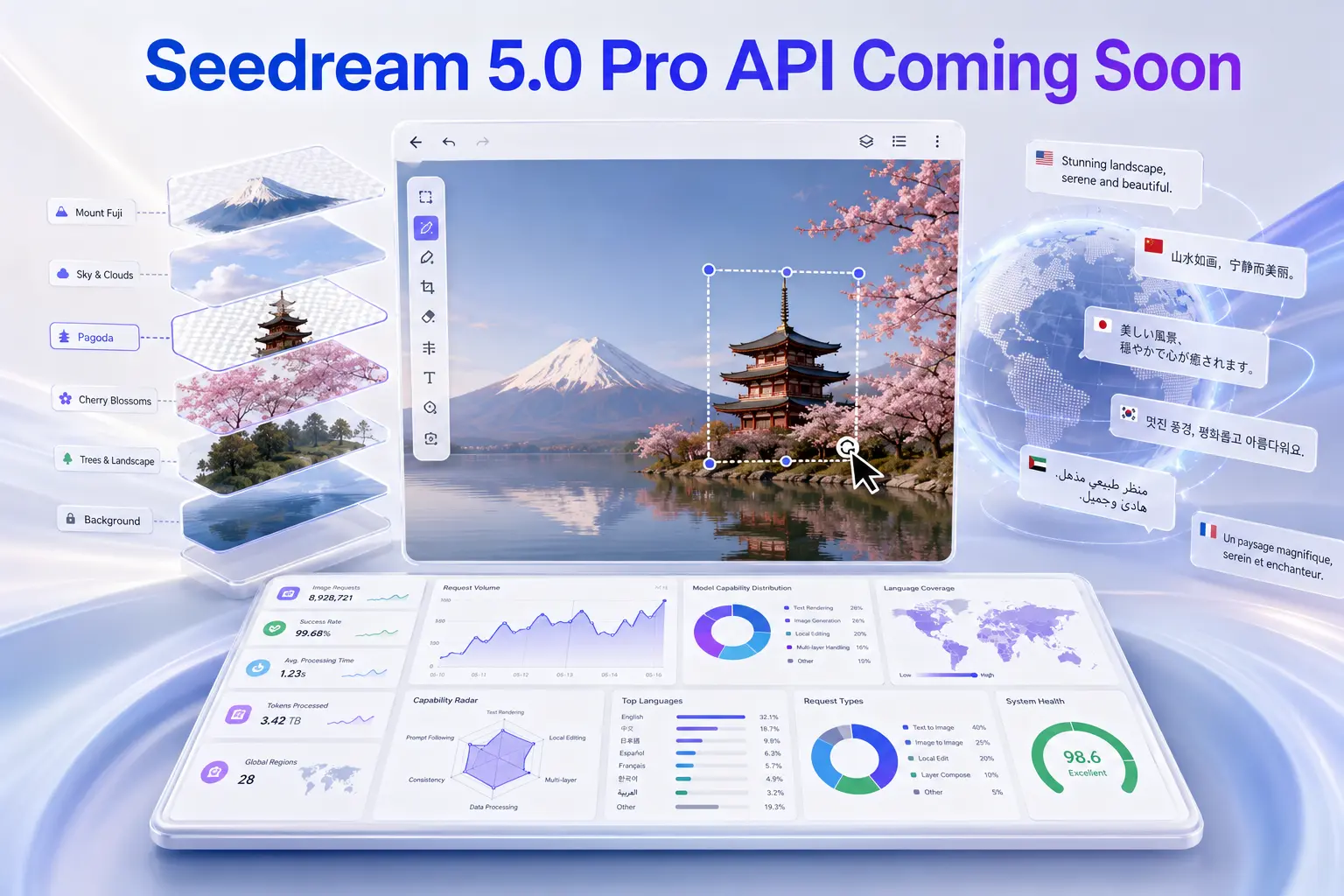
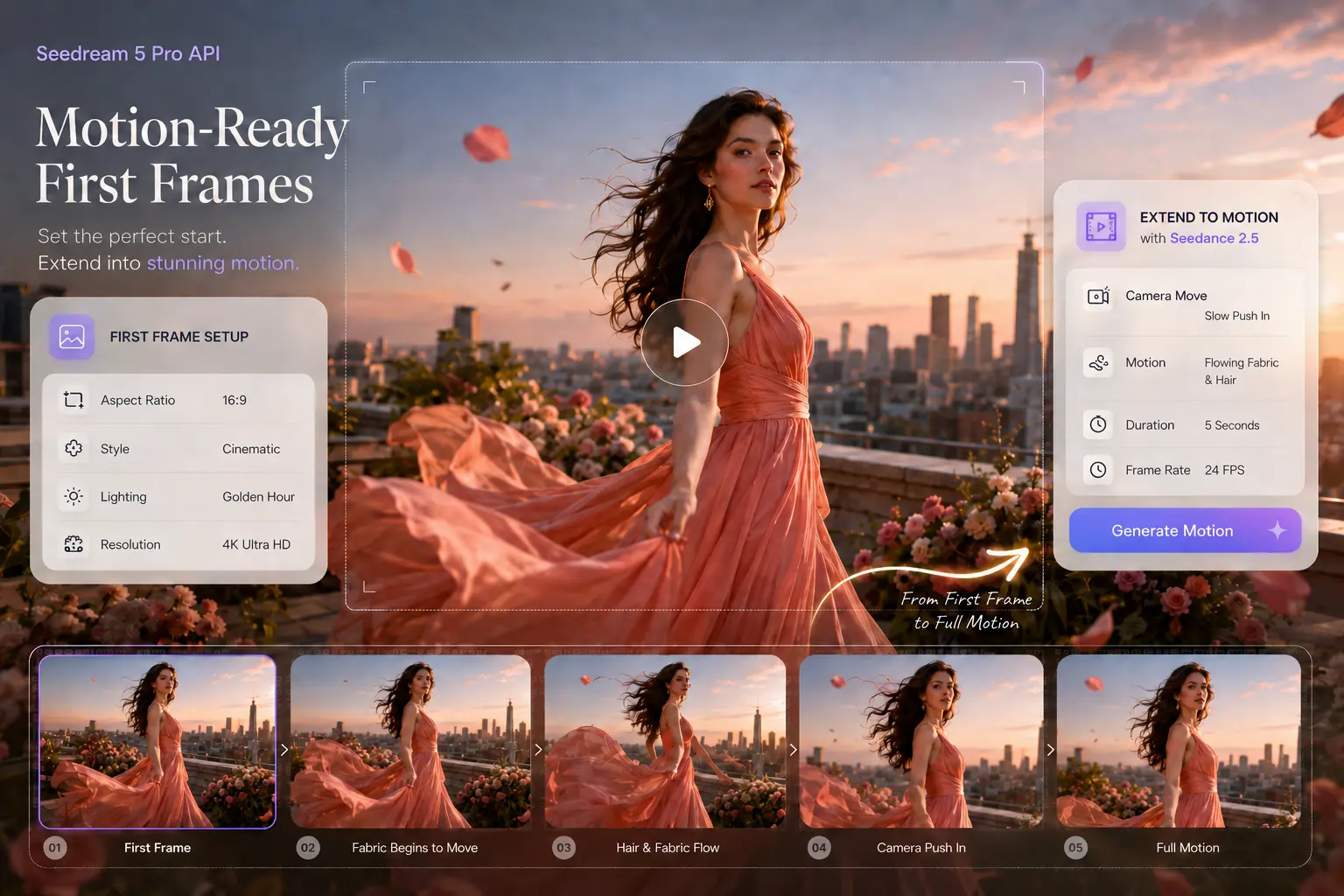
Prepare clean opening frames with a stable subject, readable visual hierarchy, and enough negative space for motion workflows.
Answers about Seedream5 Pro image generation, reference editing, model comparison, API preparation, credits, and stored results.
Seedream5 Pro is an AI image generation and editing workflow for controlled commercial visuals, including product images, marketing graphics, reference-guided edits, and layout-heavy creative.
Yes. It is a strong fit for product hero images, ecommerce detail graphics, catalog visuals, ad concepts, and campaign images that need clear subject control and polished lighting.
Yes. Upload a reference image when you want the result to preserve a product shape, composition, visual identity, or layout while changing selected creative details.
GPT Image 2 is a strong general creative image model. Seedream5 Pro is positioned for more controlled image workflows where local edits, layer-aware composition, and commercial layout control matter.
Nano Banana 2 is useful for fast ideation and lightweight iteration. Seedream5 Pro is better when the image needs deeper control, cleaner reference editing, and more structured marketing output.
Yes. Describe the subject, style, lighting, composition, aspect ratio, visual hierarchy, and final use case to generate a new image from text.
Yes. The studio helps teams prepare API-style workflows by testing prompts, reference inputs, stored results, credit behavior, and repeatable generation patterns before deeper integration work.
If a generation cannot be submitted or ends in a verified failure state, the studio returns the credits for that task automatically so you can try a revised prompt.